 Background AutoClickerWindows app
Background auto clicker for Windows that never moves your mouse
Send clicks straight to a target window, even when it is minimized. Keep using your PC while the clicks run on their own.

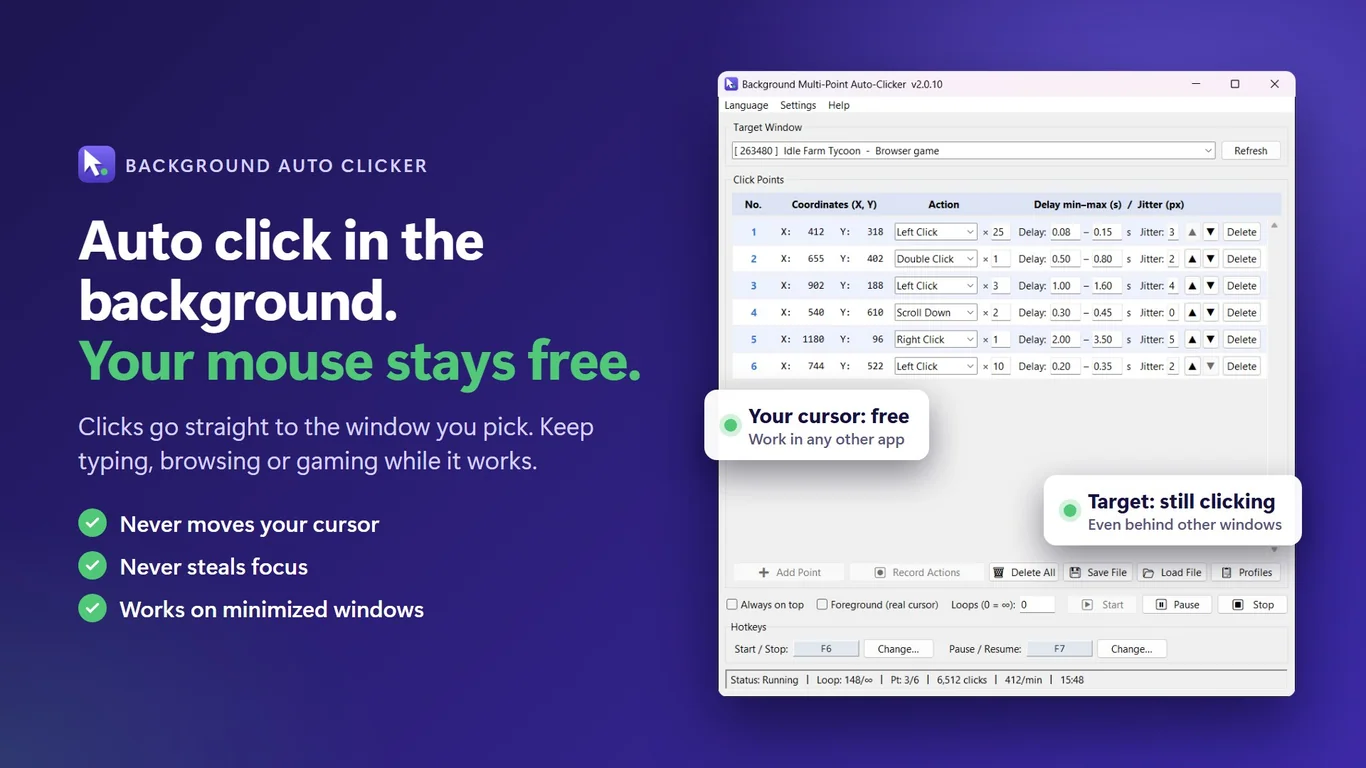
Everything you need to automate clicks
Clicks in the background
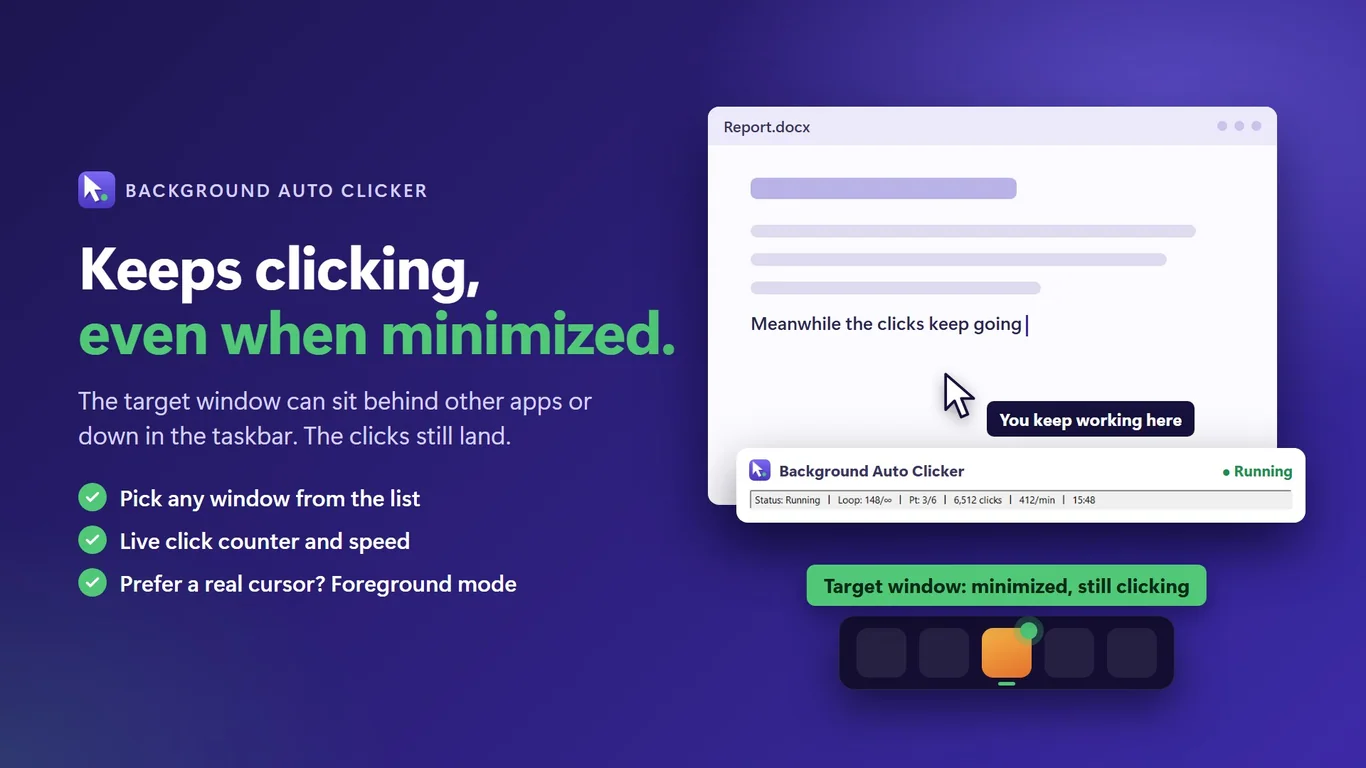
Clicks go straight to the target window. Your real cursor stays put and the window does not need to be in front.
Multi-point click lists
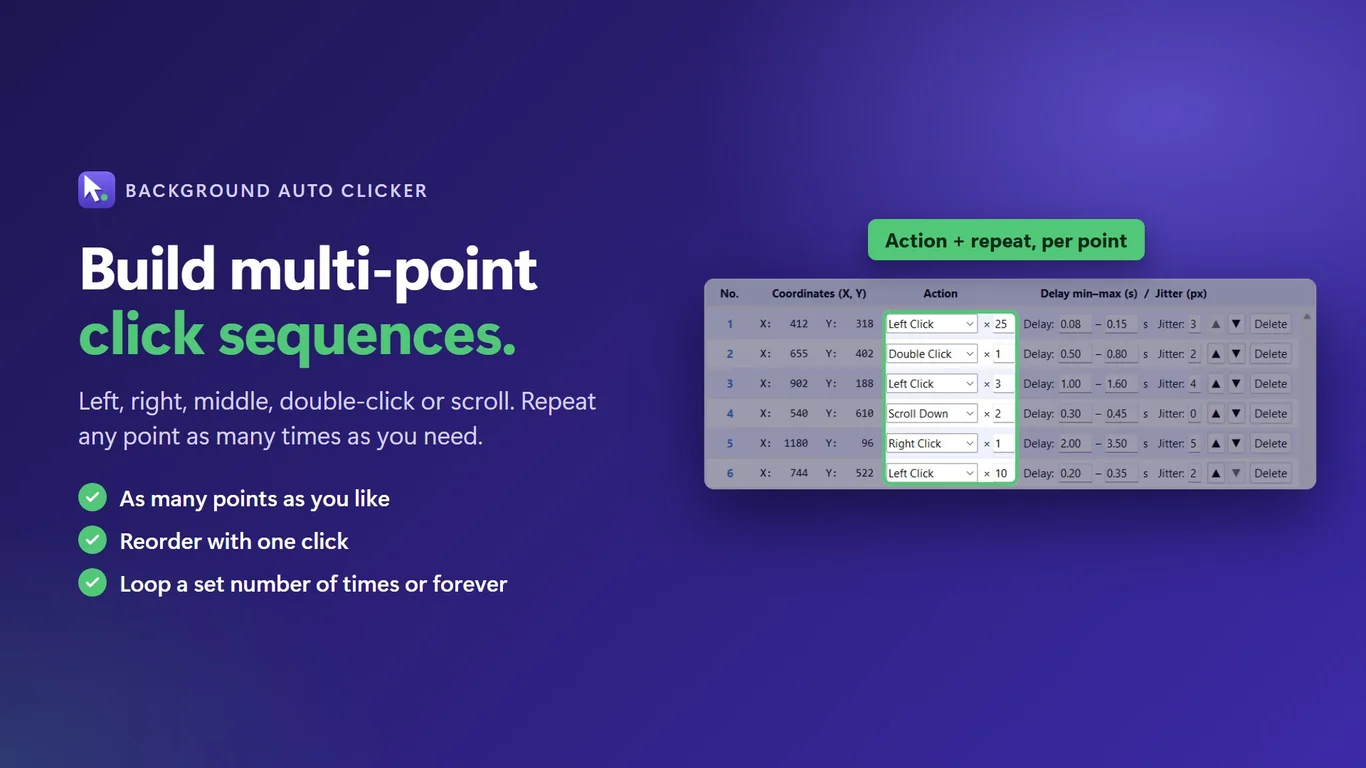
Build a list of points. Pick left, right, middle, double click or scroll for each one, with its own repeat count.
Random delay and jitter
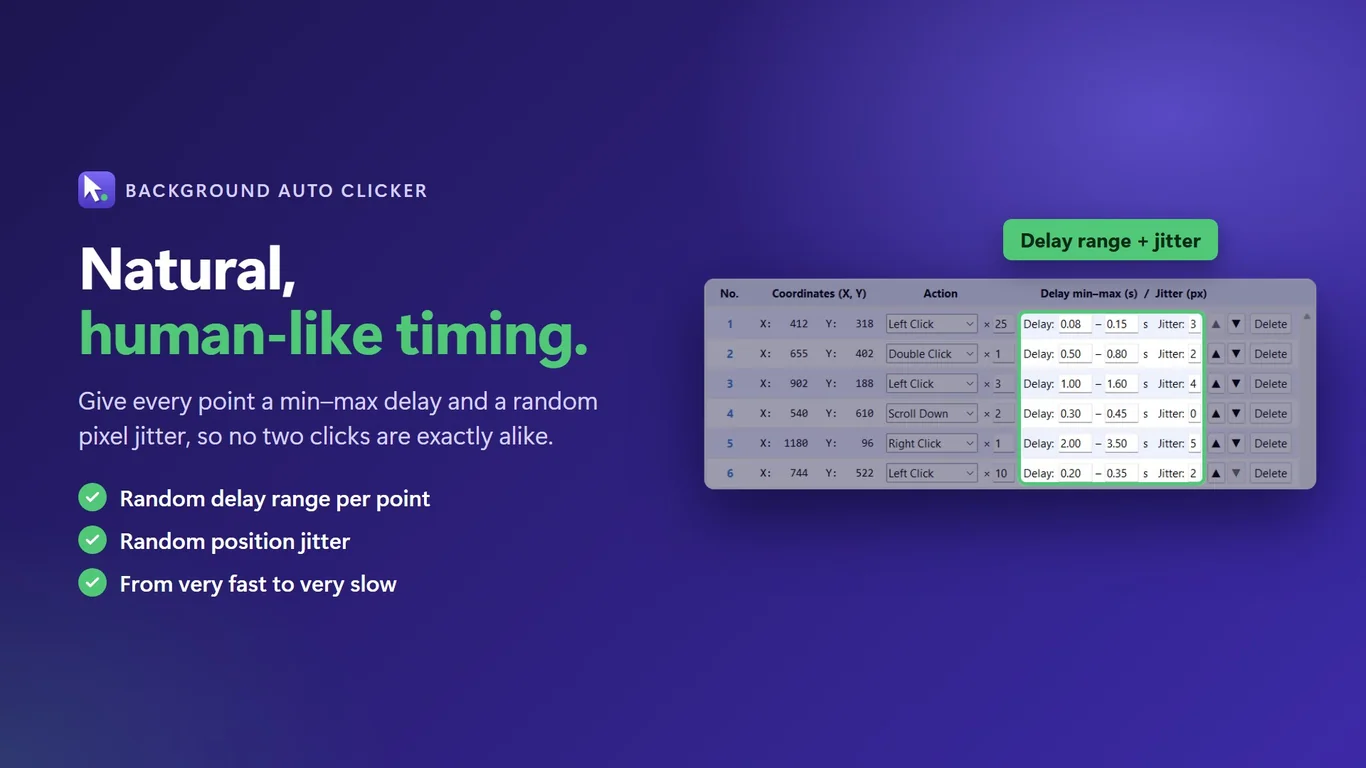
Set a minimum and maximum delay, plus a few pixels of jitter, so clicks do not land at exactly the same spot and time.
Record and replay
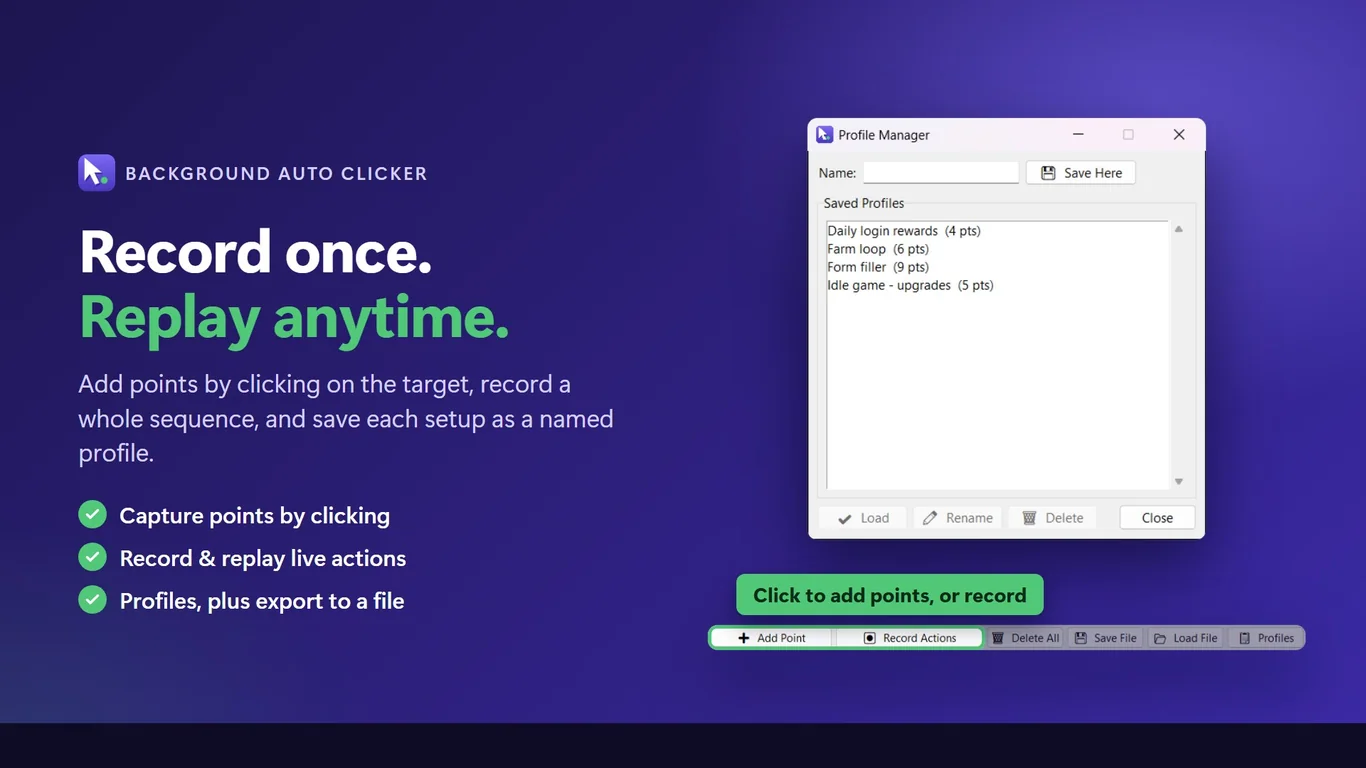
Capture points by clicking in the target window, or record a sequence of actions and play it back.
Hotkeys and emergency stop
Start, stop, pause and resume with a global hotkey (F6 by default). Move the mouse to the top-left corner to stop at once.
Profiles and tray mode
Save named profiles to JSON files. Run hidden in the tray and start with Windows if you want.
How it works
- Get it from the Microsoft Store and open Background AutoClicker.
- Pick the target window, then click inside it to capture your points.
- Set delays and loops, then press F6 to start. Press F6 again to stop.
Screenshots
Great for
Repetitive app tasks
Repeat the same button presses in a desktop app while you work in another window.
Idle and clicker games
Keep a game window clicking in the background. Check the game's rules first.
Testing and demos
Replay the same click sequence to check a UI again and again.
FAQ
What is a background auto clicker?
It sends clicks directly to a chosen window instead of moving your real mouse. You can use your PC for other things while it runs.
Does it work when the window is minimized?
Yes, it is designed to send clicks to a minimized window. Some apps ignore this kind of click. For those, there is an optional Foreground mode with real clicks.
Is it safe and private?
The app does not use the internet for its features. Settings and profiles stay in a local folder on your PC. It does not need an account.
Is Background AutoClicker free?
It is a paid app from the Microsoft Store, with a trial that shows the time left. See the Store page for the current price.
What are the system requirements?
A 64-bit Windows 10 (version 1809 or later) or Windows 11 PC. The app is available in 20 languages.
Why do clicks not work in some apps?
An app running as administrator can block clicks from a normal app. The tool warns you about this and when a point is outside the window.
Get Background AutoClicker from the Store