 Batch Hash VerifierWindows app
Batch Hash Verifier: check file checksums in bulk
Calculate and verify MD5, SHA-1, SHA-256 and SHA-512 for many files at once. Paste the expected hash and see Match or Mismatch. Works offline on Windows.

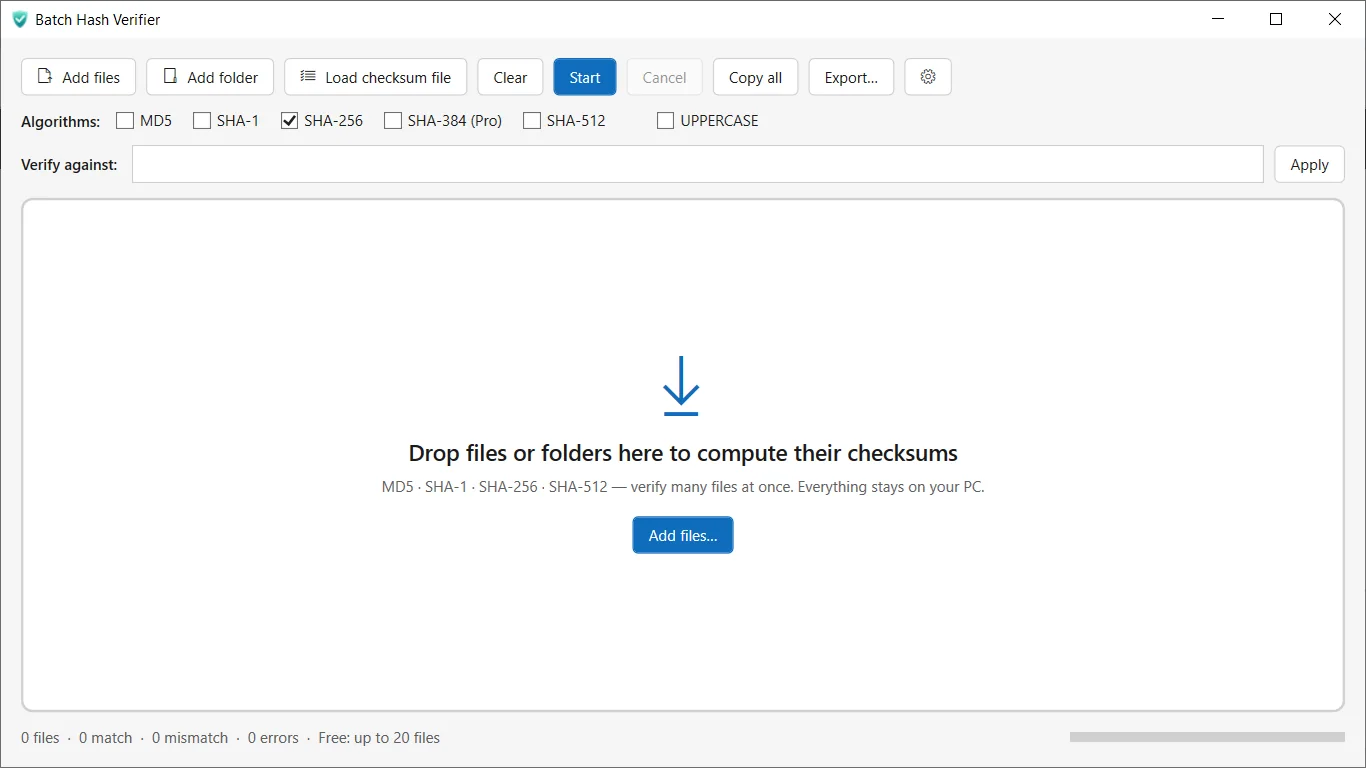
Verify file checksums in a few clicks
Hash many files at once
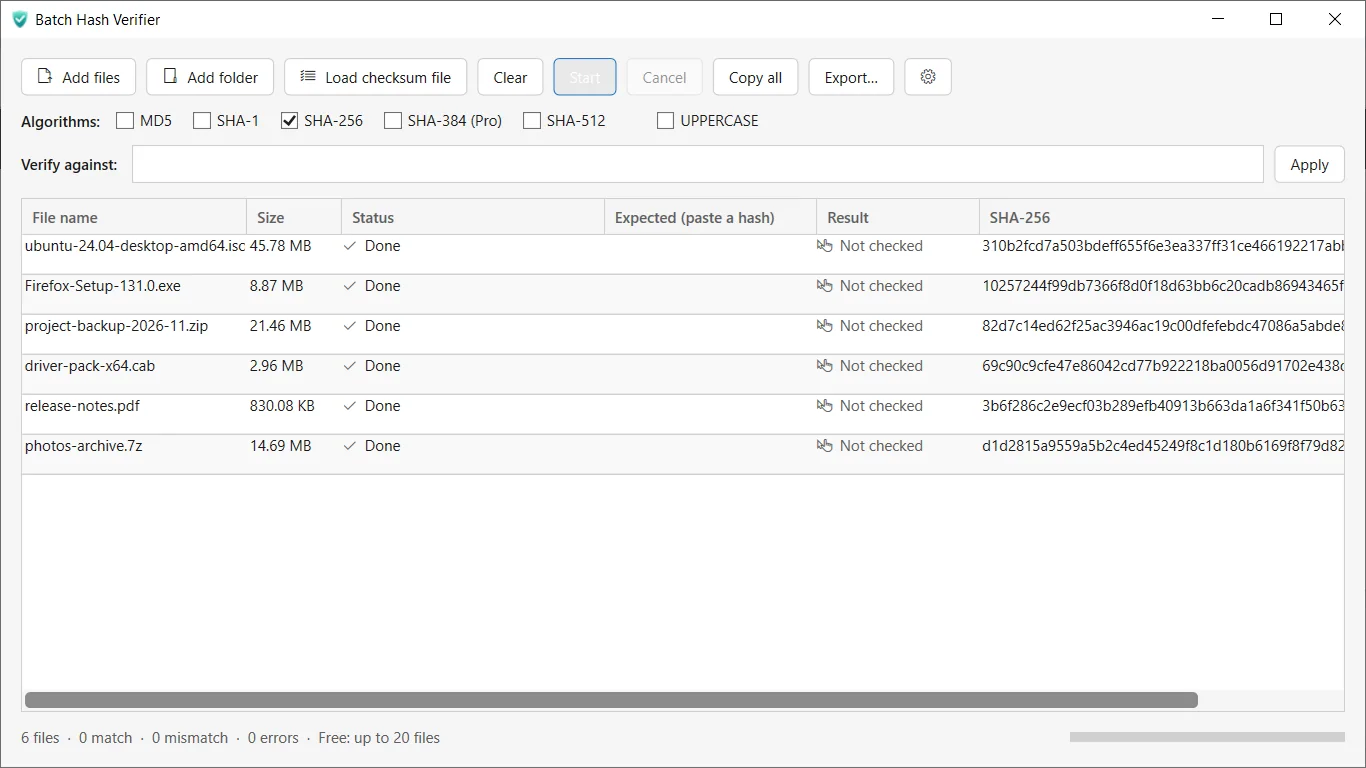
Drag and drop files or add them with a button. Each file gets its own row with name, path, size and hash.
Match or Mismatch, instantly
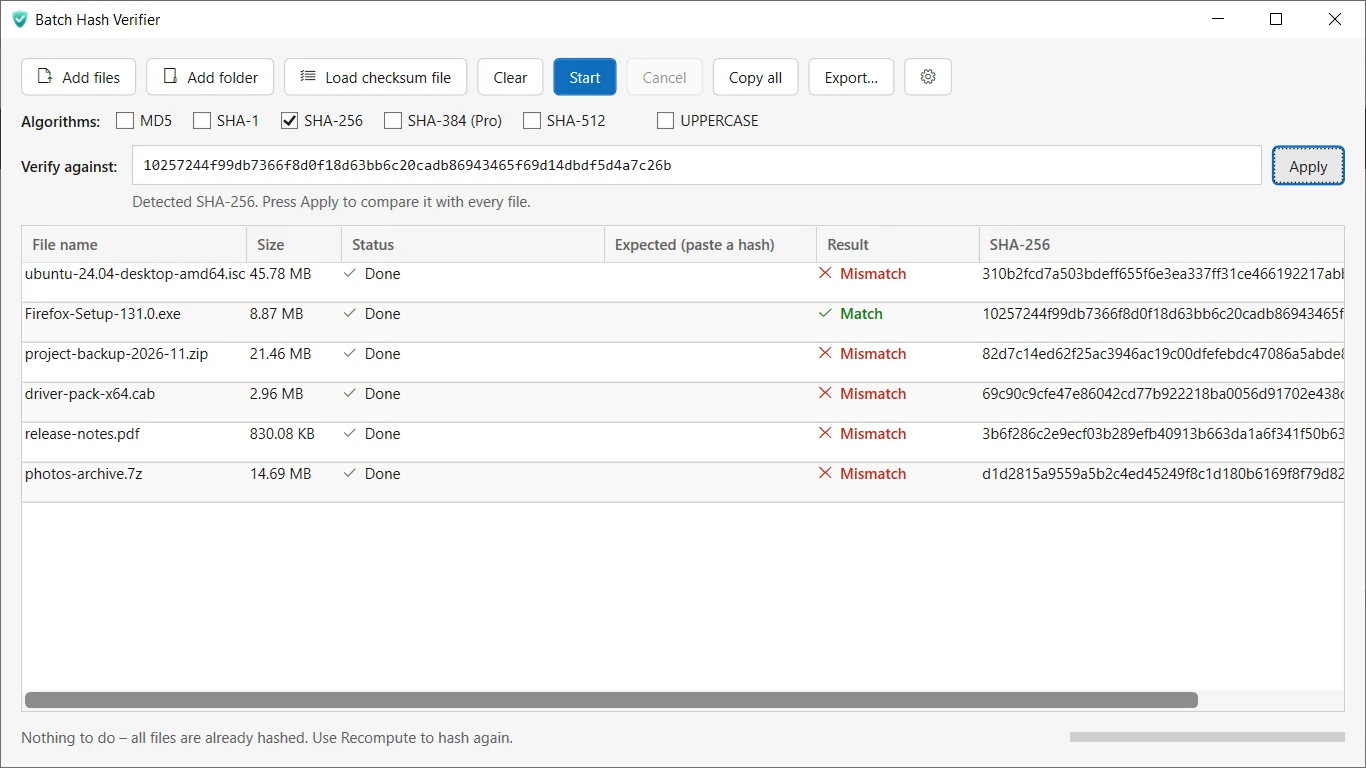
Paste the expected hash into a row. The app detects the algorithm from its length and shows Match or Mismatch.
MD5, SHA-1, SHA-256, SHA-512
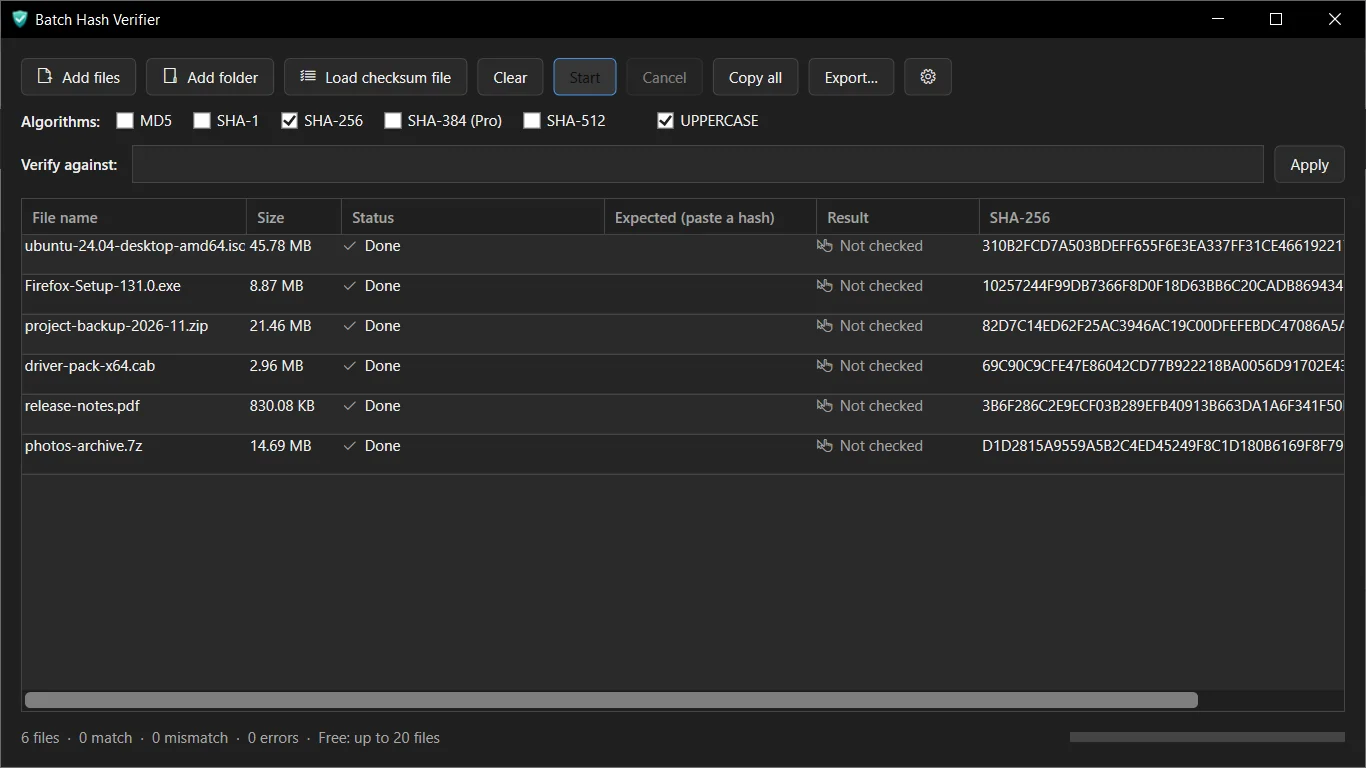
SHA-256 is the default. Switch algorithms any time, and show hashes in upper or lower case.
Handles large files
Files are hashed as a stream with a progress bar, so the window stays responsive. You can cancel at any time.
Export your results
Save results as CSV or as a TXT list in the familiar sha256sum style.
Private and offline
No account and no analytics. Your files are never uploaded. Light, Dark and System themes included.
How it works
- Get it from the Microsoft Store and open Batch Hash Verifier.
- Drag your files into the window. SHA-256 hashes appear with a progress bar.
- Paste an expected hash to see Match or Mismatch, then export if you need a record.
Screenshots
Great for
Check downloads
Compare an installer or ISO against the hash published by its maker before you run it.
Verify backups and copies
Hash files before and after a copy or transfer to confirm nothing changed.
Keep a checksum record
Export a CSV or sha256sum-style TXT list for a folder of deliverables.
Batch Hash Verifier Pro
- No 20-file limit per batch
- Add whole folders
- Load a checksum file to verify against
- Use several algorithms at once
- SHA-384 support
- Export to JSON and HTML
Optional lifetime add-on. The free version stays fully usable within its limits.
FAQ
Is Batch Hash Verifier safe and private?
Yes. It works offline, needs no account and has no ads or analytics. Your files are hashed on your PC and never uploaded.
Is it free?
Yes. The free version handles up to 20 files per batch with one algorithm at a time. An optional one-time Pro upgrade costs 1.99 USD.
What do I need to run it?
A Windows PC with the Microsoft Store. The app is installed from the Store. The interface is in English.
How do I verify a file hash on Windows?
Add the file, then paste the hash the publisher gave you into the Expected box. The app shows Match if they agree and Mismatch if not.
Which hash algorithms are supported?
MD5, SHA-1, SHA-256 and SHA-512 are free. SHA-384 is part of Pro. SHA-256 is the default.
Can it check a whole folder or a checksum file?
Folder scanning and loading a checksum file (sha256sum style) are Pro features. Free lets you add files directly.
Get Batch Hash Verifier from the Store