 Bookwell ReaderWindows app
A free, private EPUB reader for Windows
Bookwell Reader opens EPUB, MOBI, PDF, comics and more in one calm library. No ads, no account, no tracking. Reading is free.

One ebook reader for your whole library
Reads the formats you own
Open EPUB, MOBI, AZW3, PDF, FB2 and TXT files. Comic and manga fans get CBZ, CBR and CB7 too.
Private and ad-free
No account, no ads, no tracking. Your library, highlights and notes stay on your PC.
Highlights, notes and bookmarks
Highlight in 5 colors, add notes and bookmarks. They are unlimited and free.
Read your way
Pick light, sepia, dark or black. Set font, size, spacing and margins. Use two-page view or right-to-left manga mode.
A library that remembers
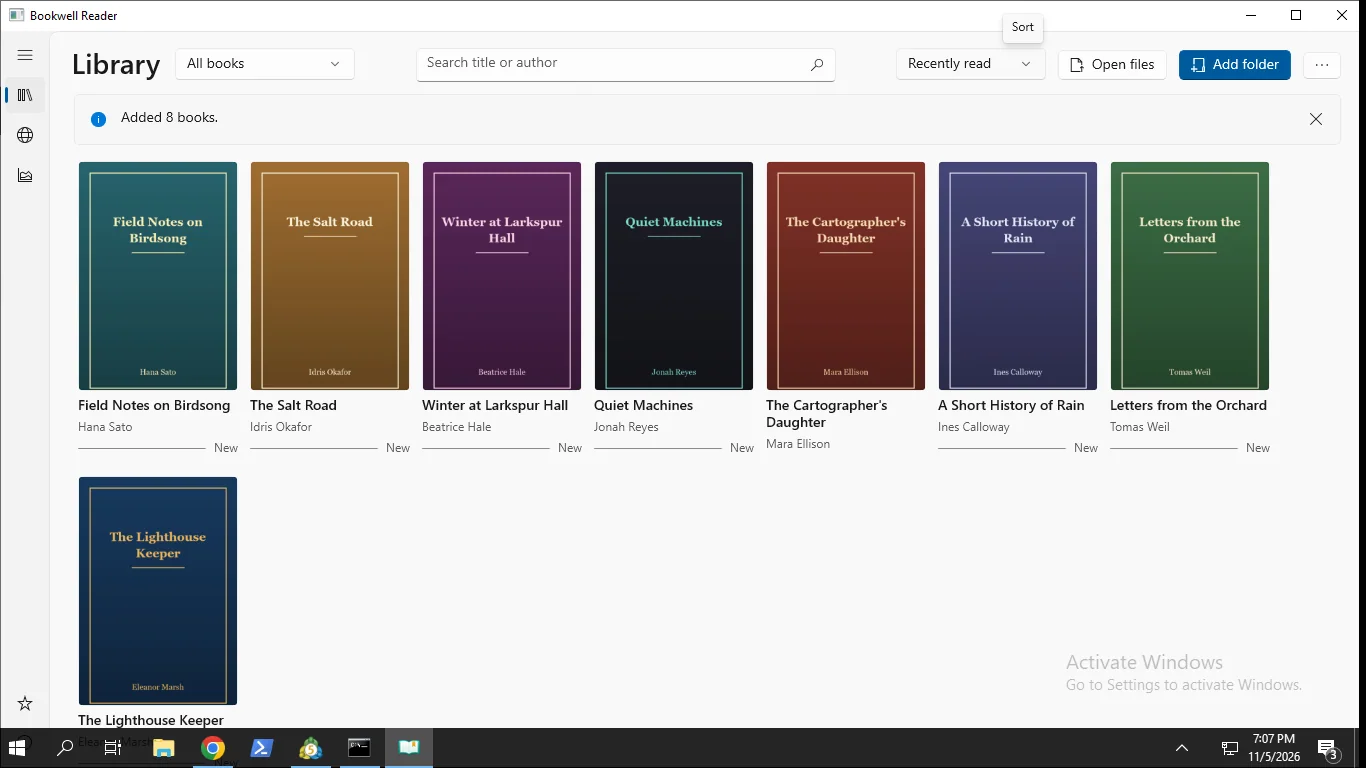
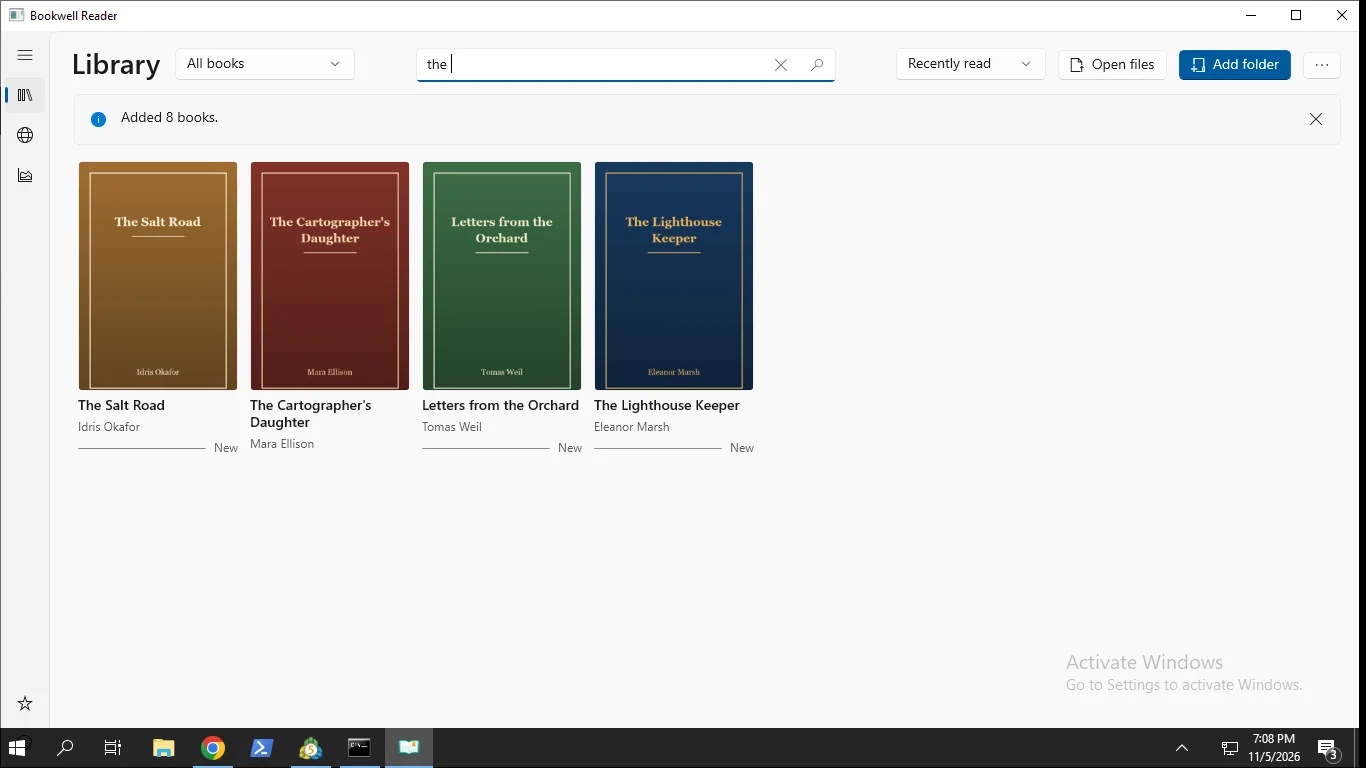
Import whole folders and browse a grid of covers. Search, sort and pick up exactly where you left off.
Free books and read-aloud
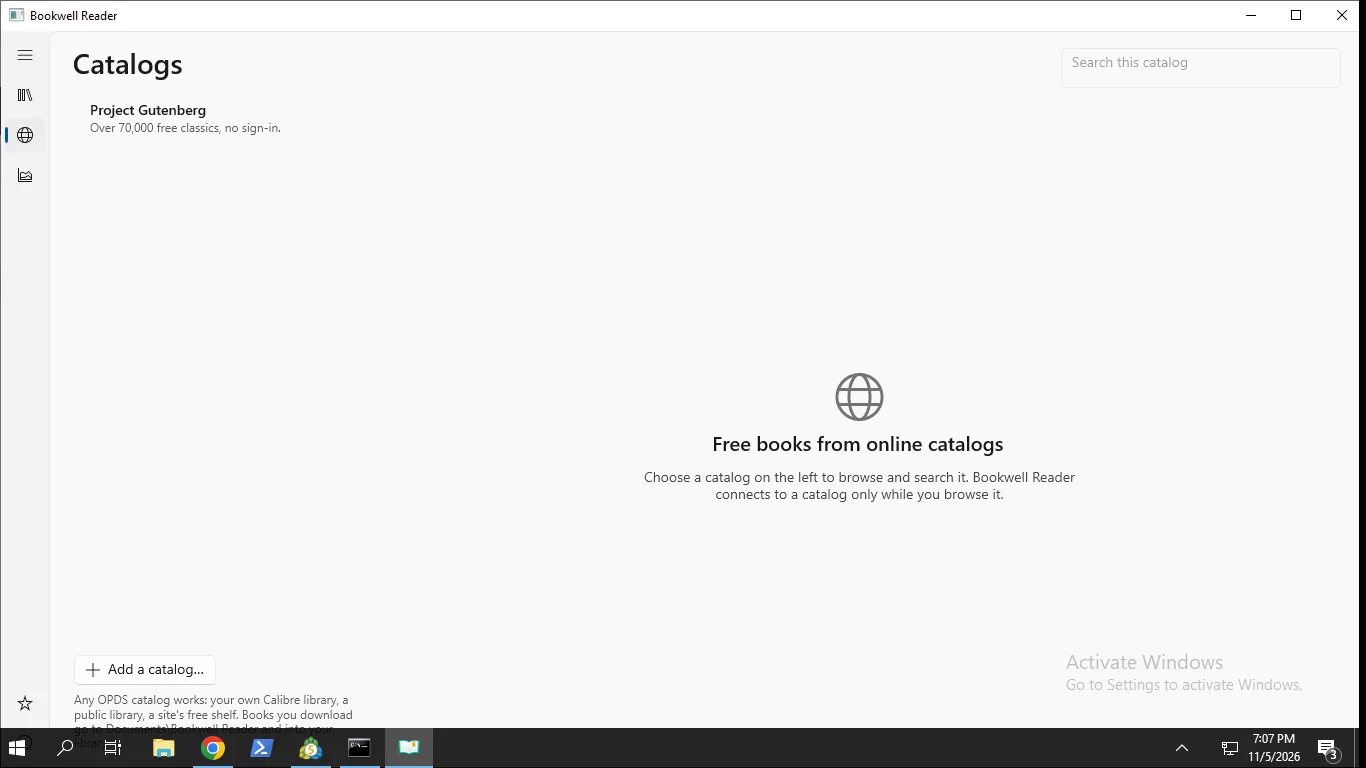
Download free classics from Project Gutenberg or add your own OPDS catalog. Listen with your Windows voices.
How it works
- Get it from the Microsoft Store and open Bookwell Reader.
- Add a folder or open files. Your books appear as a grid of covers.
- Click a book and start reading. It remembers your place.
Screenshots
Great for
Read EPUBs on your PC
Keep your DRM-free ebooks in one tidy library instead of scattered folders.
Read manga and comics
Open CBZ, CBR and CB7 files with two-page layout and right-to-left reading.
Study with highlights
Mark key passages in 5 colors, add notes and search inside any book.
Bookwell Pro (optional)
- Export highlights and notes to Markdown, Obsidian or CSV
- Sync your place and notes between PCs through your own cloud folder
- Convert books to EPUB or PDF
- Smart collections, tags and a duplicate finder
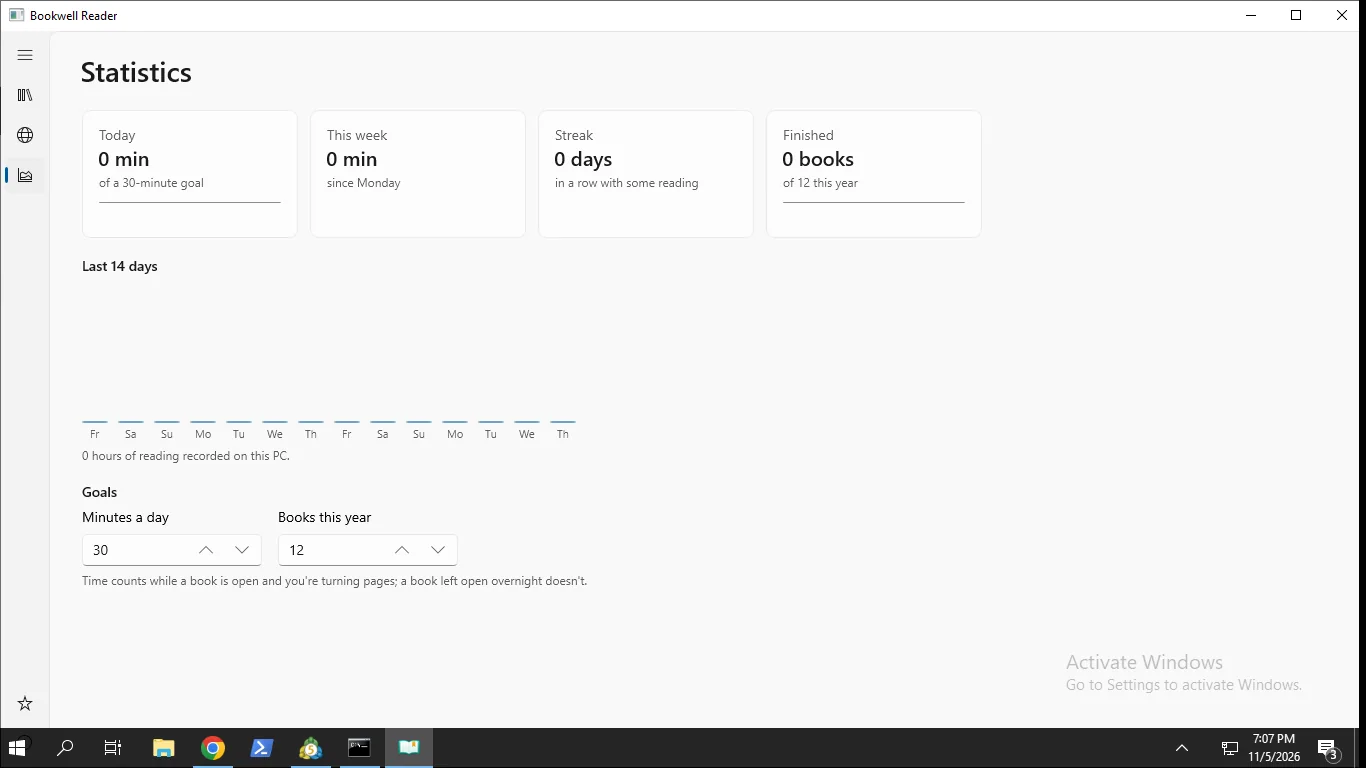
- Reading statistics, streaks and goals
No subscription. Reading is always free.
FAQ
Is Bookwell Reader free?
Yes. Reading, highlights, notes, themes and read-aloud are free. An optional Pro upgrade is a one-time purchase of 5.99 USD, with no subscription.
Is my reading data private?
Yes. Your library, highlights and notes stay on your PC. There is no account and no personal data is collected. The only network feature is optional OPDS catalog browsing.
Which ebook formats can it open?
EPUB, MOBI, AZW, AZW3, PRC, PDF, FB2, FBZ and TXT. For comics: CBZ, CBR, CB7 and CBT.
Can it open books with DRM?
No. DRM-protected books are not supported. The app tells you clearly when a file is locked.
What do I need to run it?
A Windows 10 or 11 PC. The reading view uses Microsoft Edge WebView2, included with current Windows. If it is missing, the app offers a download button.
How do I read manga right to left?
Open a comic or manga file and turn on right-to-left reading. Two-page layout is also available.
Get Bookwell Reader free from the Store