 Horizon LinkWindows app
AirDrop for Windows: Send Files from Phone to PC Over Wi-Fi
Scan a QR code and move photos, files, links and clipboard text between your phone and PC. No phone app, no cables, no cloud. Core features are free.

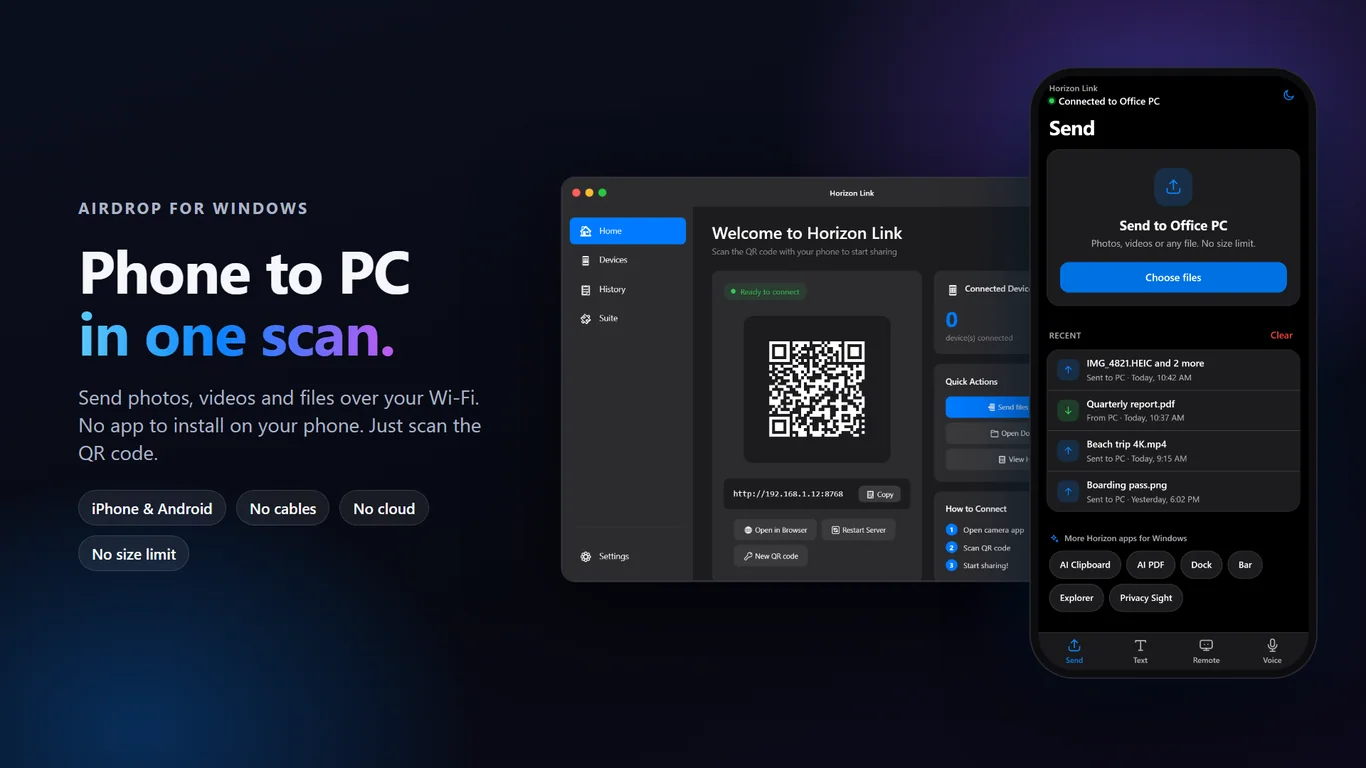
Phone to PC transfer, made simple
Phone to PC file transfer
Send photos, videos and documents over your local Wi-Fi. No file size limit, and nothing goes through the cloud.
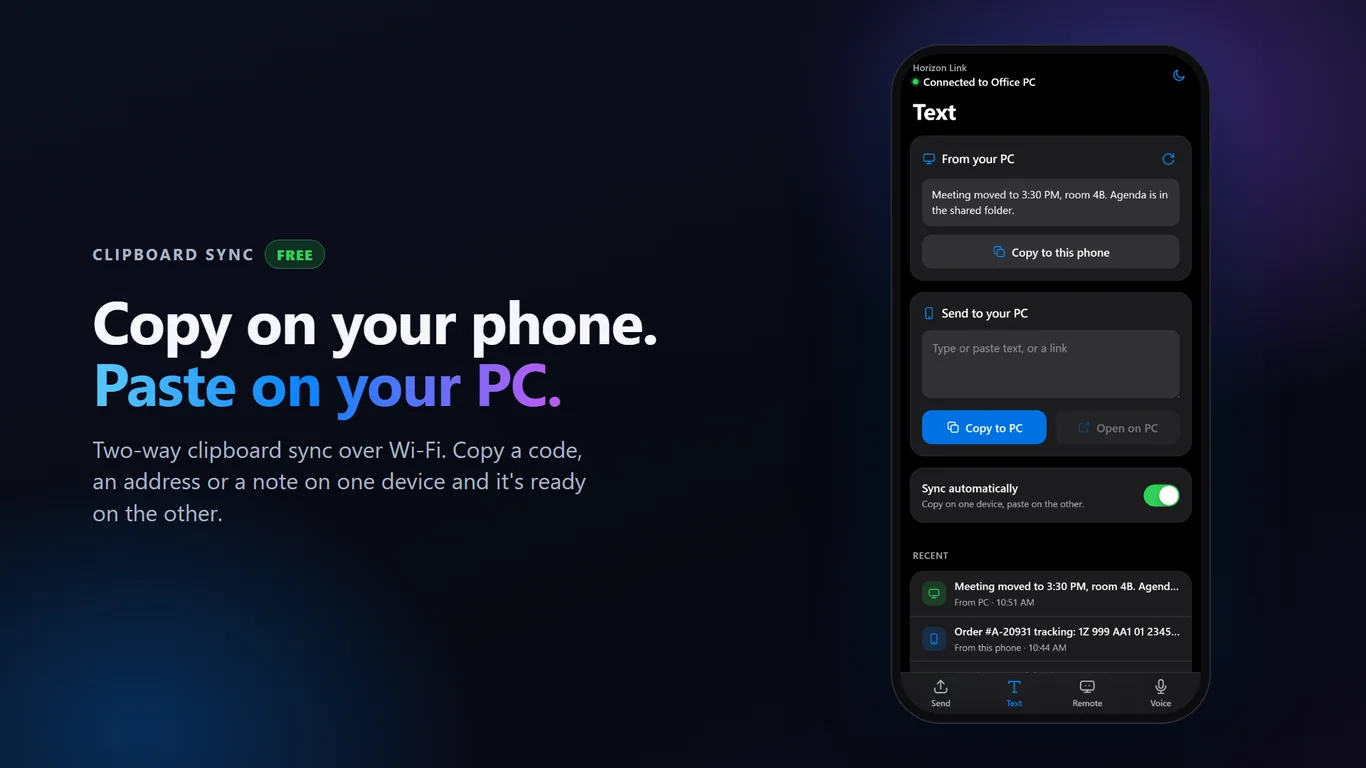
Clipboard sync
Copy on your phone, paste on your PC, and the other way around. Text moves across in an instant.
No phone app needed
Open your phone camera, scan the QR code, and you're connected. Works with iPhone and Android.
Pair once, stay connected
Your phone reconnects on its own, even after your PC restarts. No need to scan again.
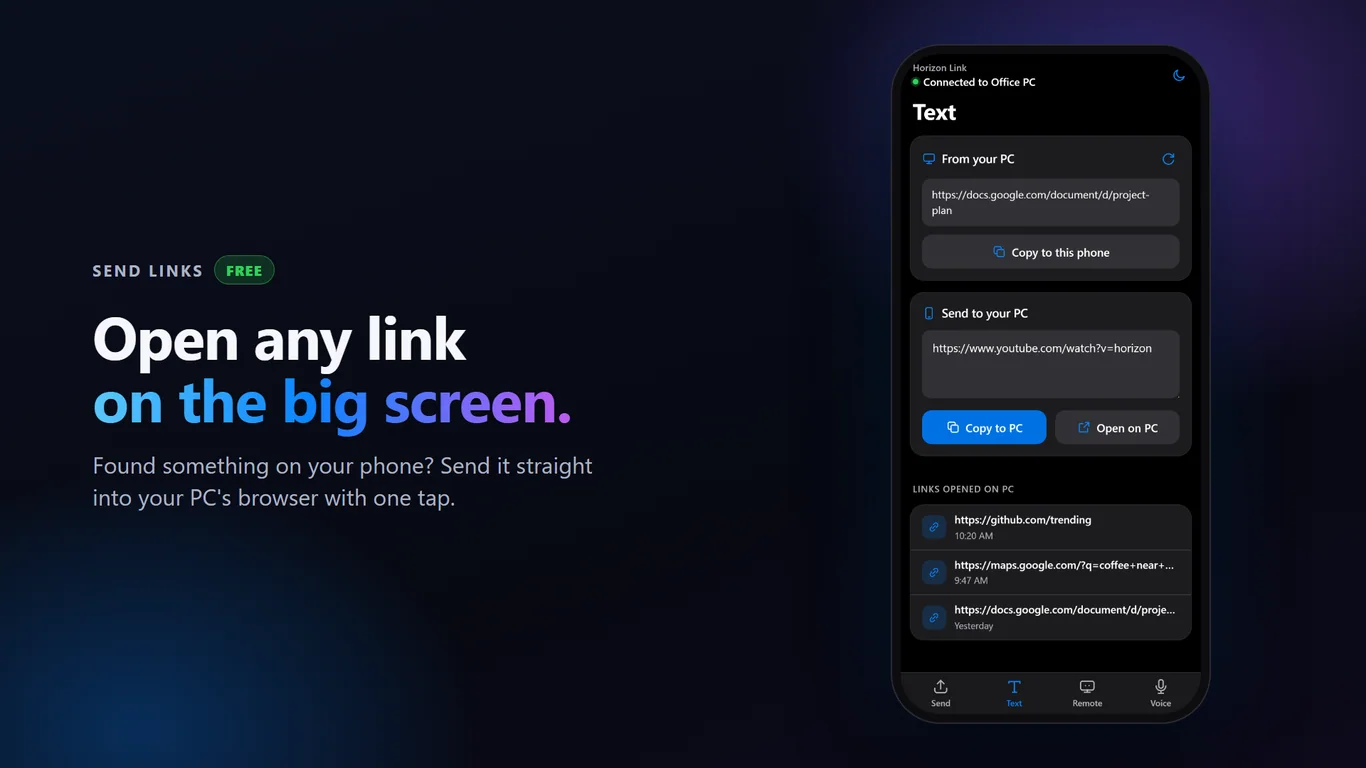
Send links and control slides
Open a link from your phone in your PC browser. Use your phone as a remote for PowerPoint and PDF slides.
Media control and smart folders
Play, pause and change volume from your phone. Received files are sorted into the right folders for you.
How it works
- Get it from the Microsoft Store and install it on your Windows PC
- Scan the QR code with your phone's camera
- Send files, sync your clipboard or share links right away
Screenshots
Great for
Send photos to your PC
Move vacation photos and videos off your phone without cables or cloud uploads.
Copy text between devices
Copy an address, code or note on your phone and paste it straight into a PC document.
Present with your phone
Step through PowerPoint or PDF slides from anywhere in the room.
Control your PC from the couch
Pause a video or change the volume on your PC from your phone.
Horizon Link Pro
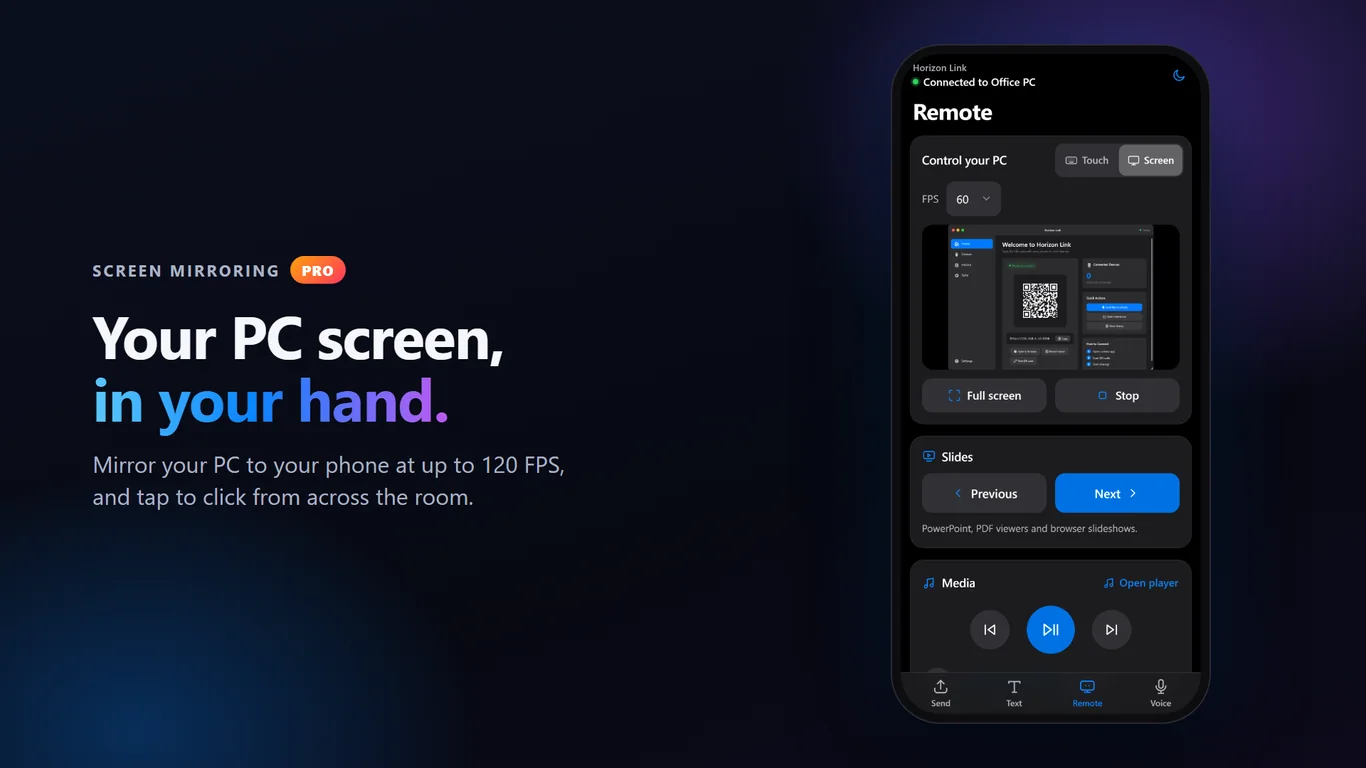
- Screen mirroring: see your PC screen on your phone at 30–120 FPS
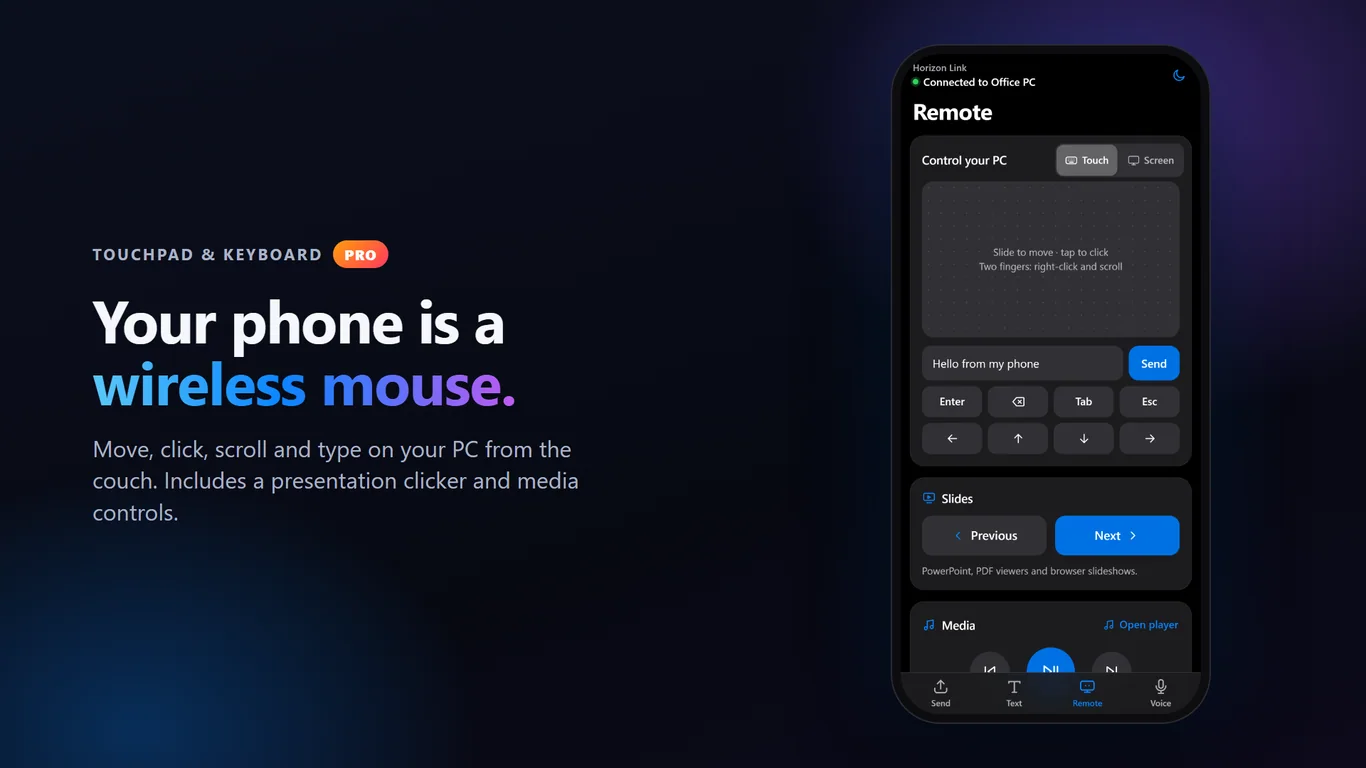
- Virtual touchpad: use your phone as a wireless mouse
- Remote keyboard: type on your PC from your phone
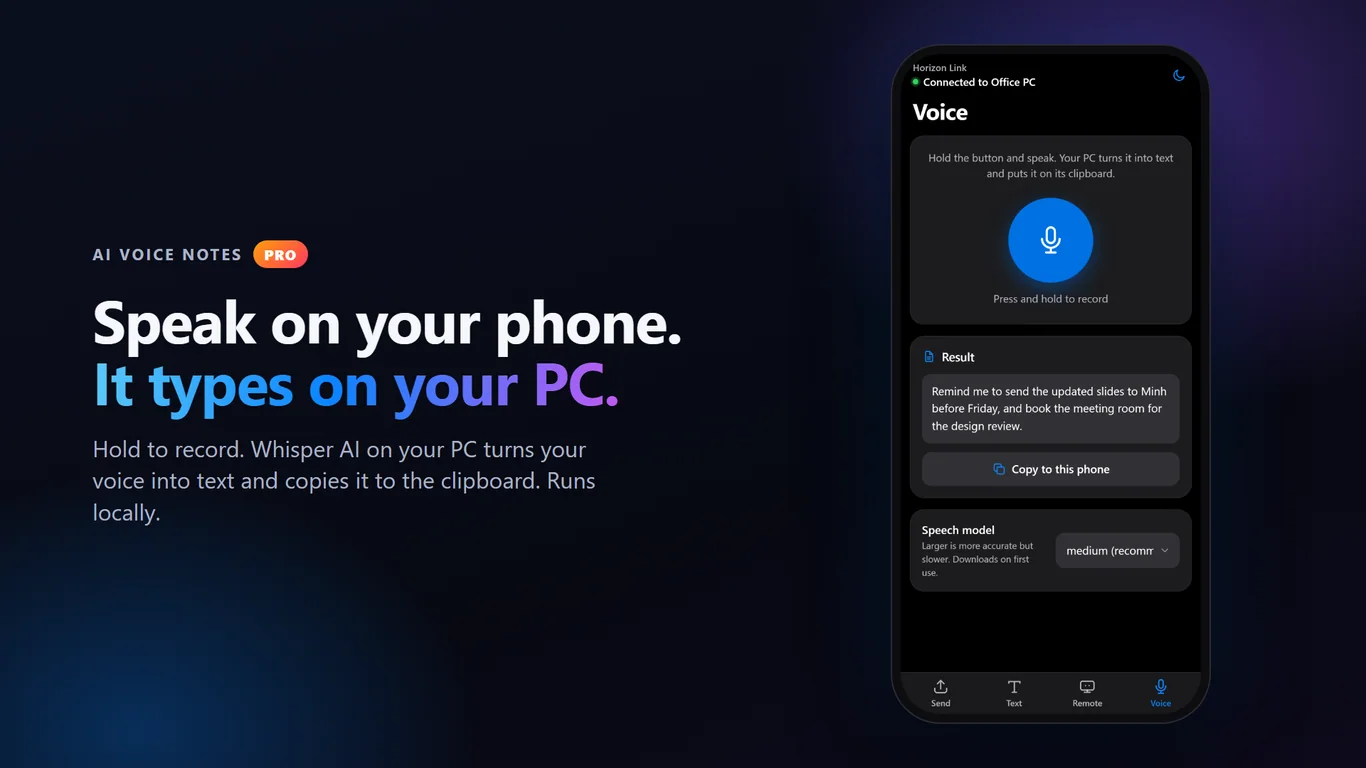
- AI audio notes: record on your phone, get voice-to-text on your PC
Try Pro free for 14 days. Core features stay free forever.
FAQ
Is there an AirDrop for Windows?
Horizon Link gives you an AirDrop-style way to send files between your phone and Windows PC. Scan a QR code and send over your local Wi-Fi. It works with iPhone and Android.
How do I transfer photos from my phone to my PC without a cable?
Install Horizon Link on your PC, scan the QR code with your phone camera, then pick photos or videos to send. Both devices must be on the same Wi-Fi network.
Is Horizon Link free?
Yes. File transfer, clipboard sync, links and the presentation remote are free forever. Pro features are free for 14 days, then cost $12.99 one-time or $1.49 per month.
Is it private and safe?
Files, clipboard text and links travel only over your local Wi-Fi, with no account. The Pro trial check sends an anonymous device ID and usage flags, but no file or clipboard content.
Do I need to install an app on my phone?
No. Your phone's camera and browser are enough. You only install Horizon Link on your Windows PC from the Microsoft Store.
What do I need to run it?
A Windows PC with the Microsoft Store, and a phone on the same Wi-Fi network. The app interface is currently in English.
Get Horizon Link from the Microsoft Store