 SnapText ExpanderWindows app
Text expander for Windows: type a short code, get your full text
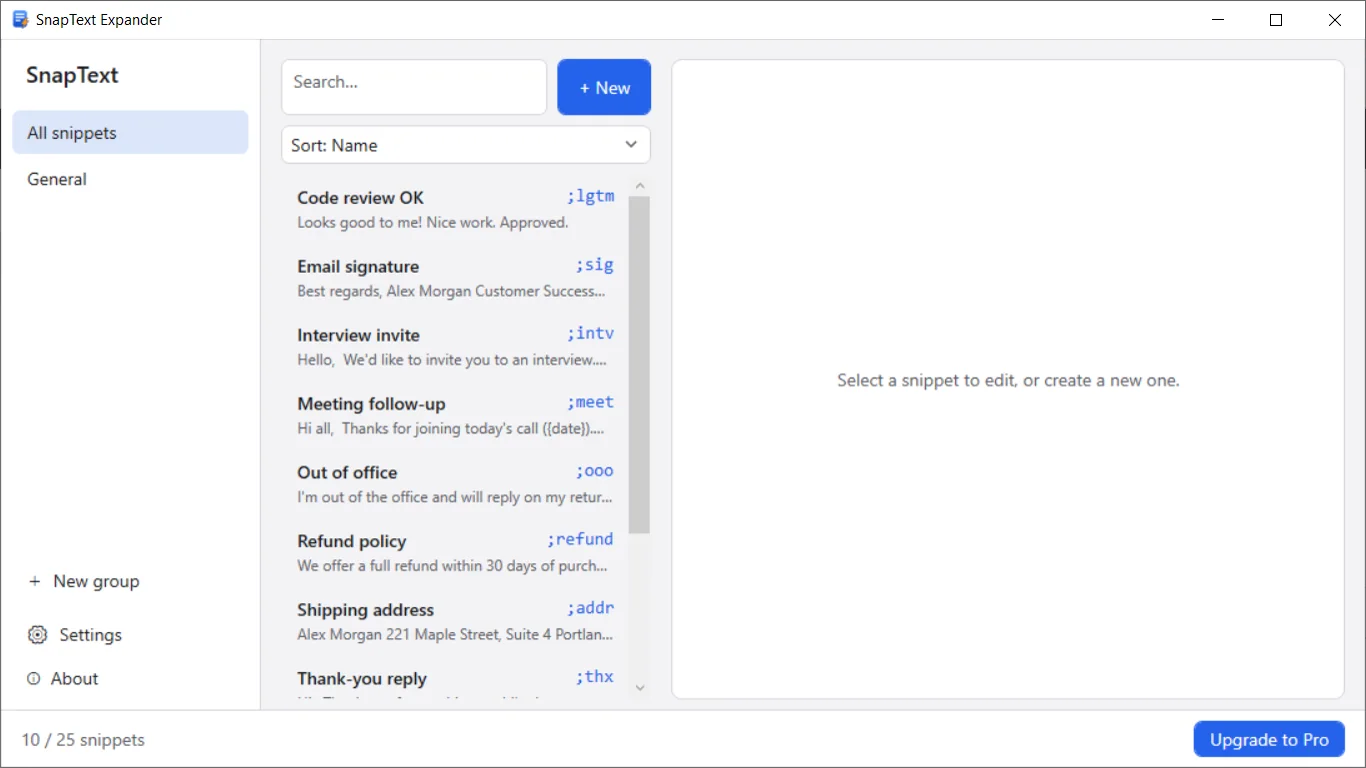
Type ;sig or ;addr in almost any app and SnapText Expander swaps it for your saved text. Free, fully offline, no account, no ads.

Write it once, reuse it everywhere
Works in almost any app
Use your snippets in mail, browsers, chat, documents and code editors. If an app accepts typing or pasting, it works.
Instant or on Space, Enter, Tab
Expand the moment you finish the abbreviation, or wait until you press Space, Enter or Tab. You choose.
Variables and cursor placement
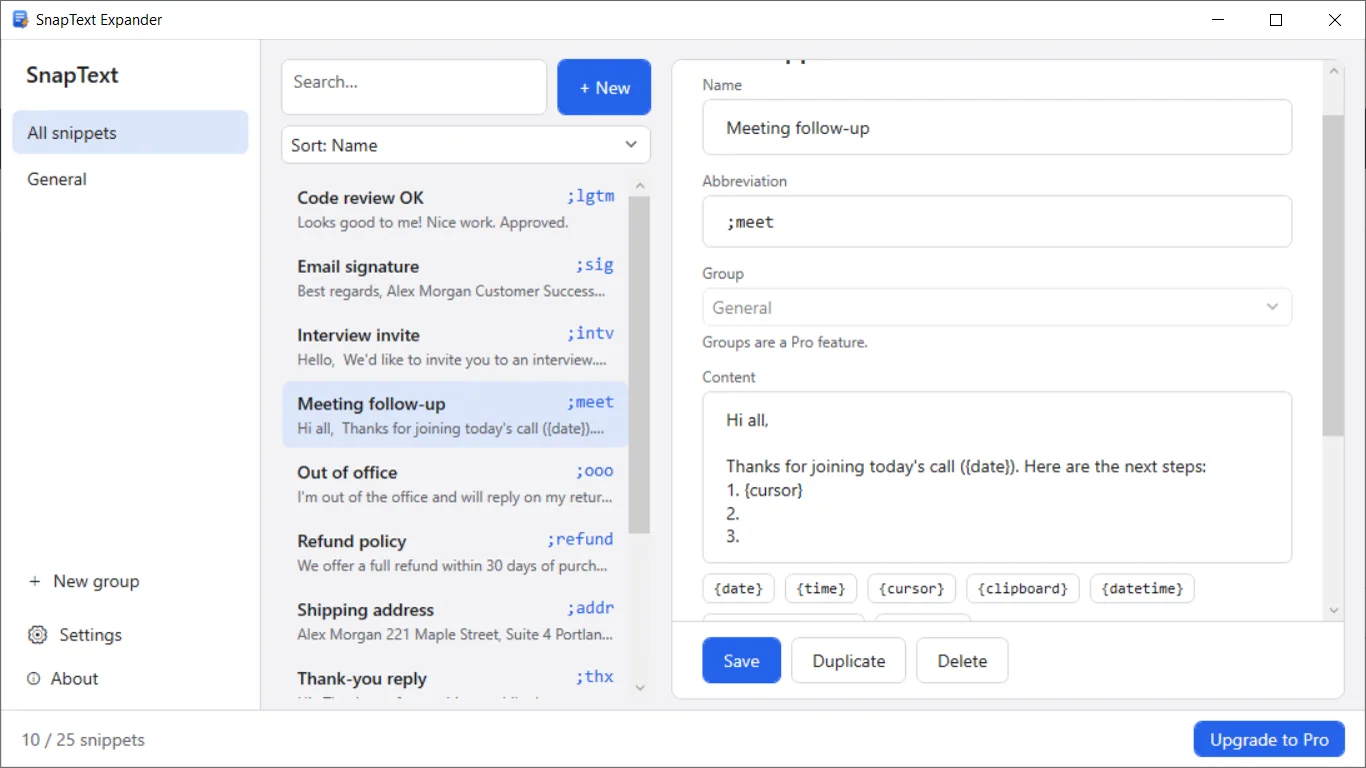
Add {date} and {time} to your text. Use {cursor} to leave the caret exactly where you want to keep typing.
Easy snippet management
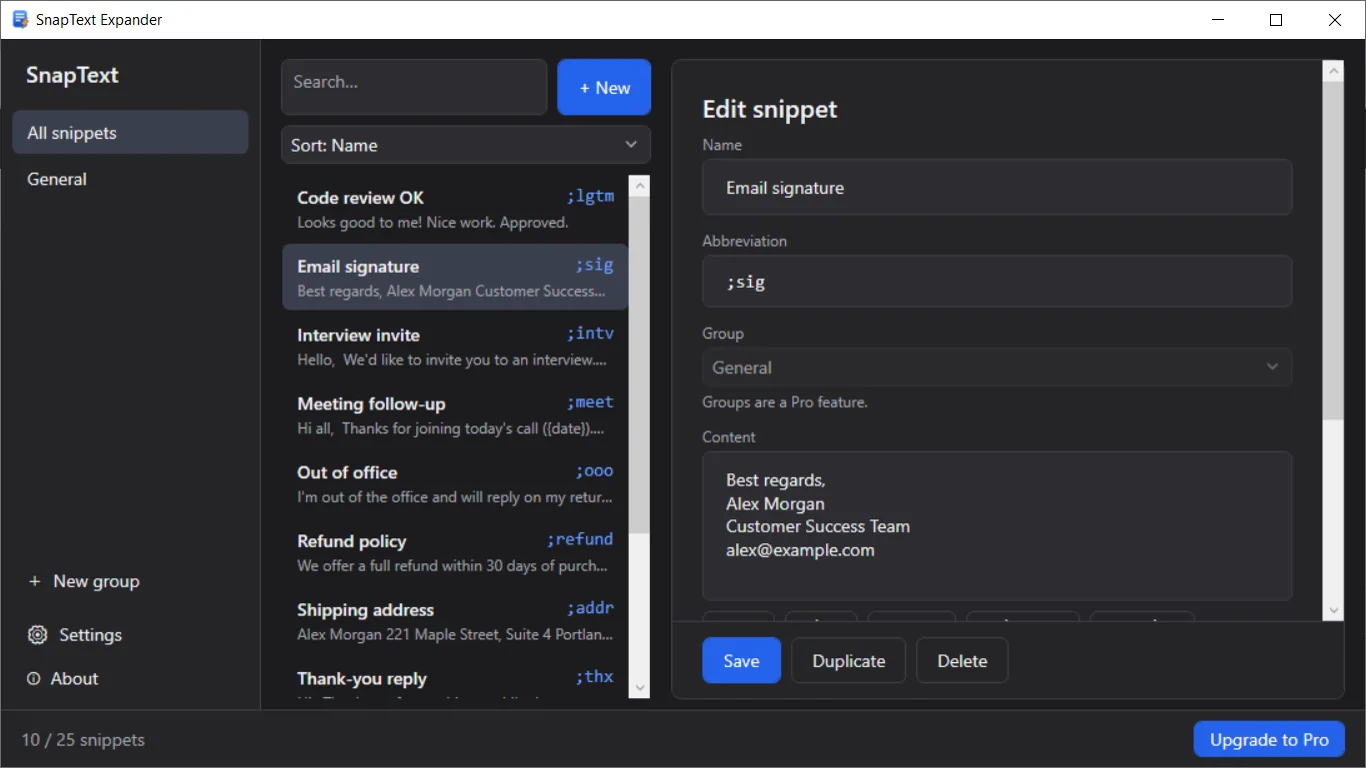
Search, sort and duplicate snippets. See how often you use each one.
Paste or type mode
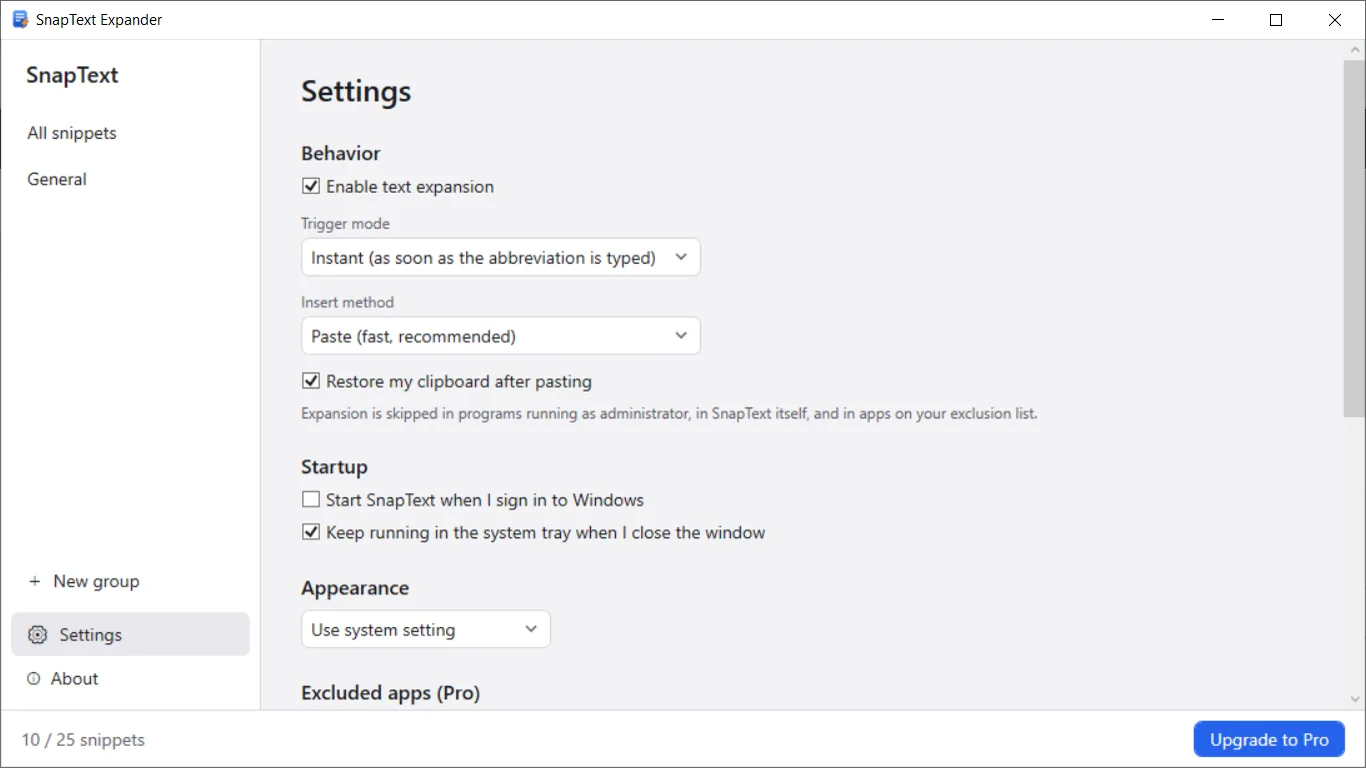
Paste mode is fast. Type-each-character mode helps in apps that block pasting. Your clipboard is restored afterward.
Private and offline
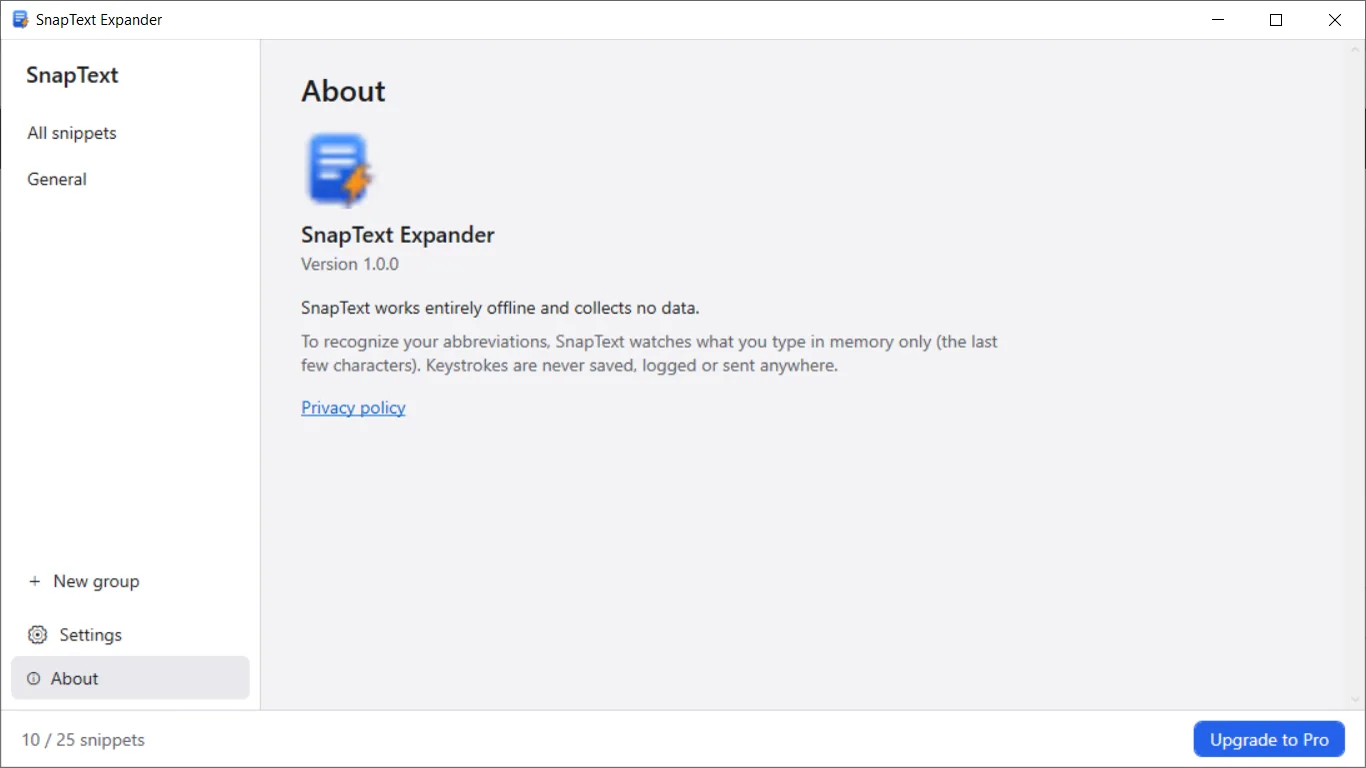
No account, no cloud, no ads. Snippets stay on your PC. Keystrokes are never saved, logged or sent anywhere.
How it works
- Get it from the Microsoft Store and open SnapText Expander.
- Click New, set a short abbreviation like ;sig, and add your text.
- Type the abbreviation in any app. It is replaced with your full text.
Screenshots
Great for
Email replies and signatures
Send common answers and your signature in a few keystrokes instead of retyping them.
Addresses and details
Insert your address, phone number or other text you type often with a short code.
Meeting notes and templates
Start notes with the date and time filled in, and your cursor ready where you type next.
SnapText Pro
- Unlimited snippets and snippet groups
- Advanced variables: {clipboard}, {datetime}, custom date formats and date math like {date+3d}
- Import and export JSON, import CSV, backup and restore
- Excluded apps list
One-time purchase, no subscription. The free version includes up to 25 snippets.
FAQ
What is a text expander?
A text expander replaces a short abbreviation with longer saved text. Type ;sig and SnapText Expander puts in your full signature, so you do not retype it.
Is SnapText Expander free?
Yes. The free version includes up to 25 snippets. An optional Pro upgrade is a one-time 4.99 USD purchase with no subscription.
Is it safe? Does it log my keystrokes?
No. It works offline and collects no data. To spot your abbreviations it keeps only the last few characters in memory. Keystrokes are never saved, logged or sent.
Which apps does it work in?
Almost any Windows app that accepts typing or pasting, such as mail, browsers, chat and editors. It skips programs running as administrator and apps on your exclusion list.
What if an app blocks pasting?
Switch to type-each-character mode in Settings. SnapText then types your text instead of pasting it.
Does it need an account or internet?
No. There is no account and no cloud. It runs quietly in the system tray, and you can start it with Windows. The interface is in English.
Get SnapText Expander from the Store